
Vibecoding is not AI adoption
Most companies that call me today have the same problem. Someone read an article, bought everyone on the team a Cursor license, sent a "we're using AI now" email, and expected magic. Three months in, the team has more bugs, slower code reviews, broken linters, and a senior who opens a PR six months later and doesn't recognize their own codebase.
I call this vibecoding. Prompt the agent, commit, push, pray. Works for a weekend side project. Does not work for a production system with real customers.
AI adoption isn't "we got a tool." AI adoption is a process change that the tool fits into. CLAUDE.md, hooks, skills, worktrees, review gates — these are the boring, plumbing things that decide whether an agent saves you a week or causes an incident.
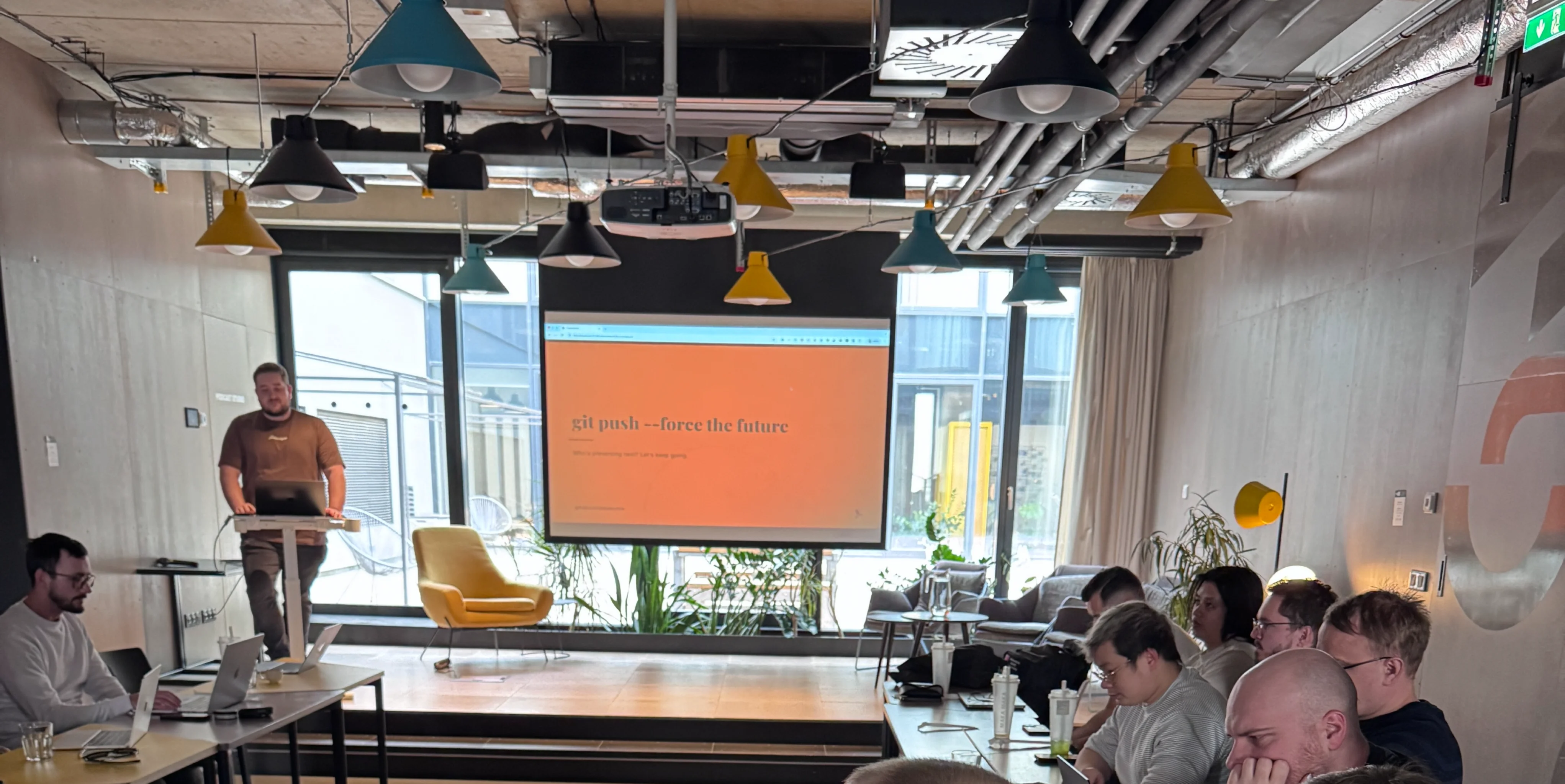
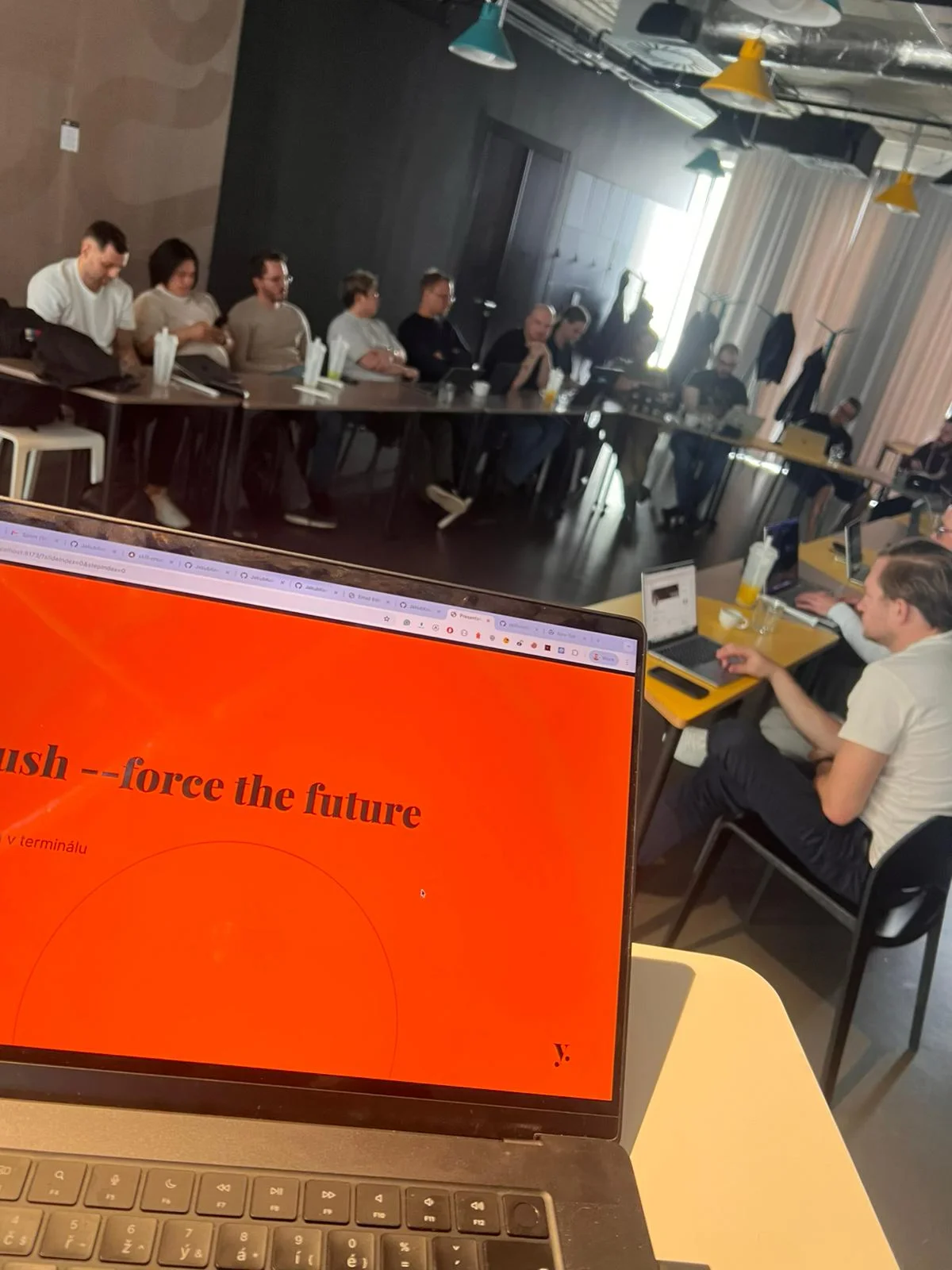
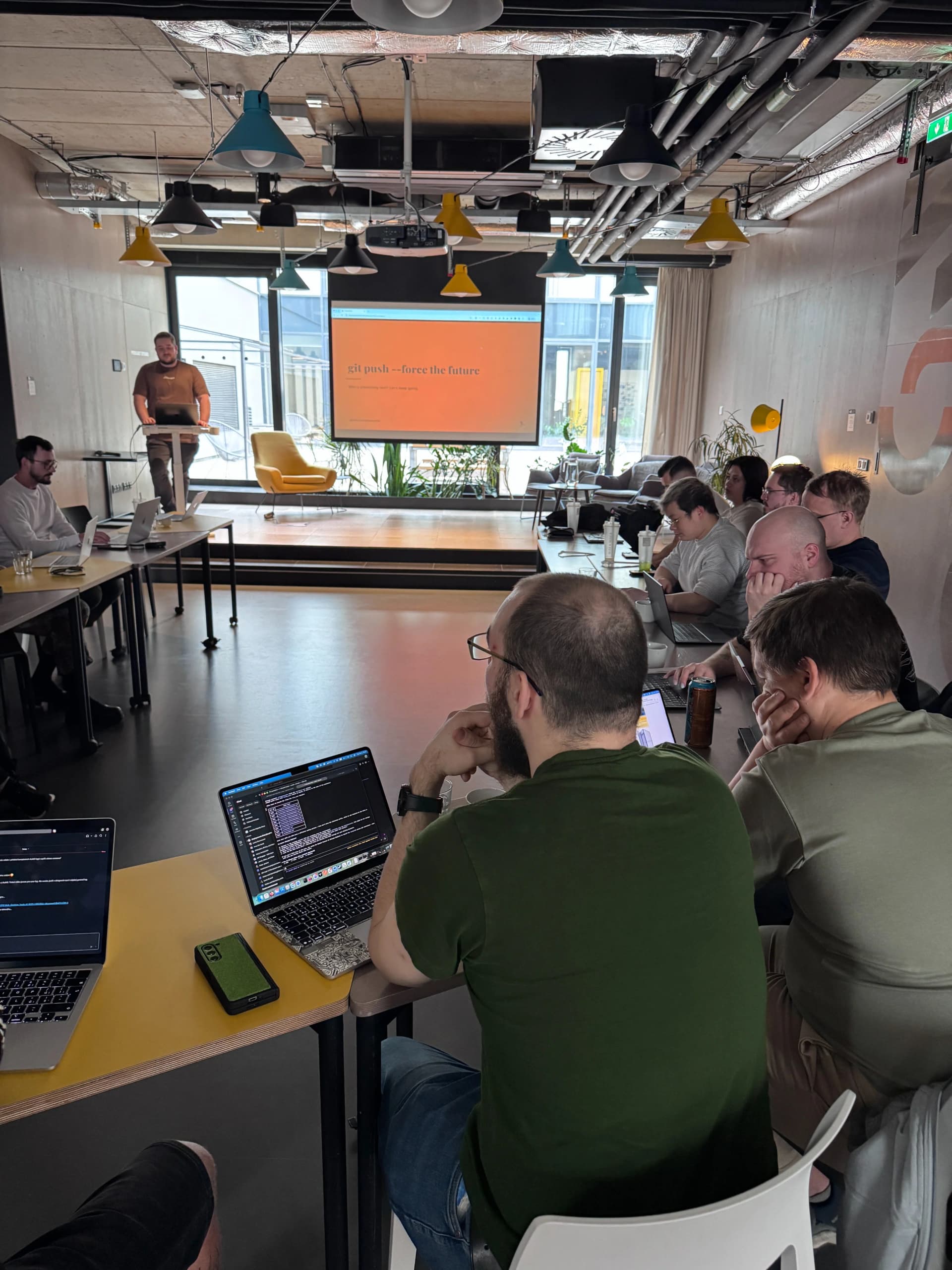
The talk "git push --force the future — Viva la revolución in the terminal" I gave at Yolk Studio was built around exactly this. This post is the extended version — for people solving the same problem who'd rather skip my pain curve.
Why I'm writing this
Yolk Studio reached out asking if I'd show how I actually use AI in development. I didn't want to give another "AI is great" sermon. I wanted to show a concrete workflow — tools I use daily, patterns that have survived production.
If you're a CTO or tech lead who just rolled out AI tooling and is asking "now what?" — this post is for you. If you want motivational fluff, close the tab.
Code itself has no value
That was the opening line of the talk, deliberately provocative. Shipping got ten times faster, but a product people trust is still built the same way — user by user, incident by incident, feedback loop by feedback loop.
Any model can generate code. What matters is who uses the tooling and how. Without structure, an agent delivers more code faster, which is the exact opposite of what you want. More code = more surface, more bugs, more tech debt, more weeks spent on maintenance instead of progress.
This is the first thing I work on with teams in training: slow down so you can speed up properly.
Six building blocks
Everything below answers one question: what needs to be in place for an agent to work reliably and unsupervised inside a company? Here are the six things I can tell from a single glance whether a team has AI under control or is drowning.
1. CLAUDE.md — automatic onboarding for the agent
When a junior joins the team, you give them context — the stack, how tests are run, what's off-limits. CLAUDE.md does the same for the agent. It's read automatically on startup, like .editorconfig or .nvmrc.
Stack: Next.js 15, TypeScript, Tailwind
Always run tests before opening a PR
Never touch: src/auth/, migrations
Payment flow: consult humans before any change
Without CLAUDE.md, the agent improvises. And improvisation across twenty PRs a week means every PR looks like someone different wrote it — because someone different did. A forgetful junior without memory, every single time.
2. Hooks — guardrails you can't turn off
Hooks are actions that run before or after a tool call. Three main types:
- PostToolUse — auto-format after every write (prettier, black, gofmt)
- PreToolUse — validate before a command runs (block
rm -rf, block force-push to main) - Notification — alert when the agent needs input
They're defined in settings.json and run automatically. The agent can't "forget" to format code because a hook does it. It can't accidentally push to main because the hook blocks that command. This is the difference between "I trust the model" and "the system enforces an invariant."
In teams without hooks, I usually find within a week a PR that bypasses lint, or a commit that violates a convention the same team documented in CONTRIBUTING.md. People don't break the rules on purpose — the agent just never saw them.
3. Skills — shared know-how in the repo
Skills are instruction files with precise directives for the agent. They act like recipes — structured instructions produce consistent output regardless of the model's "mood." A good skill has a YAML header (name, description, allowed tools), markdown instructions and supporting files.
What makes skills essential: know-how that today lives in a senior's head or scattered across Slack moves into the repo. "How we do a migration" stops being tribal knowledge and becomes skills/db-migration.md. A new team member — human or agent — finds it and applies it.
Skills compose. A big task breaks into a graph of smaller ones, subagents run in parallel, each with a clear contract. This is the pattern I mention most often in talks because it unlocks the largest productivity jump.
4. Skillsmith — one format for every tool
Skillsmith is the open-source tool I wrote so skills don't have to be duplicated per editor. One unified format (Markdown + YAML frontmatter), automatic export to Claude Code, Cursor, Windsurf, Copilot and Codex. npx skillsmith sync updates every export when the source skill changes.
The reason it exists is simple: skills are a team asset. Vendor lock-in to a specific editor means that when you move off Cursor next year, you rewrite the know-how. An open standard at agentskills.io solves that.
When companies ask me "which tool should we bet on?" the answer is: bet on the format, not the tool. If you still want my take on the two most common daily drivers, I wrote an honest Cursor vs Claude Code comparison — short version: use both, they optimize for different moments.
5. Git worktrees — isolated environments for subagents
Worktrees are isolated copies of the repo. Several feature branches side by side, no stashing, no conflicts. A subagent creates a worktree, works in an isolated branch and returns results to the main workspace.
Without worktrees, every experiment has a cost — stash, switch branch, realize something's missing, switch back. With worktrees I run three subagents on three tasks in parallel and it costs me nothing. No "an agent broke main" because it never touches main.
6. Self-review — a review agent on your own code
After finishing a task, I run a code-review agent on my own output. The reviewer is a separate agent — different session, different context, different perspective. It catches edge cases, security issues and naming problems that the first agent missed because it was too focused on the task.
This is the cheapest quality gate I know. It costs a minute of machine time and catches things that would otherwise slip to PR review and eat half an hour of a senior engineer.
Case studies — what came out of this workflow
This was the most fun part of the talk for me. Concrete things I actually use that wouldn't exist without structured agent work.
BrowserHawk — autonomous QA
An autonomous QA testing tool. Handles Azure MSAL login with 2FA, crawls the app, finds 50+ routes, categorizes them, and autonomously tests. On a real CRM system it finds 14–15 bugs per run — broken translations, failing API calls, silent UI failures.
The hardest part wasn't the crawl but teaching the agent to say "this isn't working" instead of hallucinating a workaround. MSAL flow with 2FA is complicated, and the agent tends to invent "I'll probably handle it." The fix: an explicit skill that describes when to stop and escalate instead of improvising.
For a company this means: autonomous testing is reality, not sci-fi. But only if you give the agent clear boundaries on what it can and can't solve alone.
Tempmail skill
A skill that creates disposable email inboxes via the tempmail.lol API. The agent can use it end-to-end on its own — needs to register somewhere? It creates an inbox, registers, reads the verification email, proceeds.
A good example of a skill as an atomic capability: one thing, clearly defined, reusable across tasks. Anything your team has to do repeatedly that has clear inputs and outputs should be a skill.
Tudy — local service routing
*.localhost automatic routing to running services. Auto-discovery of local processes and Docker containers. A small tool, but it solved a friction point that annoyed me daily — remembering which port belongs to which microservice.
Why I mention it: my most valuable AI output isn't big features, it's the small tools that remove daily friction. Agents are perfect for this — tasks a human would never do because "it's not a priority."
Okena — a Rust terminal multiplexer
Tabs, split panes, session persistence, built-in git worktree support. I built it because tmux and iTerm didn't solve what I actually needed — a worktree-heavy workflow with subagents.
I hadn't written Rust before. I wrote it with the agent over a weekend. This isn't about me knowing Rust — it's that with a structured workflow, the language is an implementation detail.
Claude Profile Manager
Managing multiple Claude accounts at once. Personal subscription, company team, Vertex AI — all in one command. I wrote a dedicated post about it.
8 rules for working with agents
These are the rules I drill into teams first because companies underestimate them the most. Every single one was paid for in pain — either by me, or by someone I had to fix it for later.
- Plan Before Code —
/planfirst, agent proposes, you approve - Fresh Context — a new session is a clean start; don't let the agent drift in old context
- Done = Tested — done isn't done until tests pass
- Rules in Repo — CLAUDE.md, hooks, skills — all committed and shared
- Ask Before Destroy — agent asks before destructive actions; don't turn that off
- Human in the Loop — you decide, the agent proposes
- Right Tool, Right Job — not everything needs an agent
- No Secrets in Prompts — no API keys in prompts, use env files
Takeaways
Don't be afraid to experiment. Write your own skill. Build the small tool that kills one daily friction point you hate. Try a workflow that looks insane and see if it works.
An agent playing tic-tac-toe, another AI chatbot on your website, a meme generator — none of that moves anything forward. What's interesting are the things that speed up your own work: a skill for onboarding to a new repo, a hook that enforces a convention, a review agent that catches your typical mistakes. Start with yourself, your workflow, your daily pain points. If it works for you, it has a chance of working for the whole team.
If you're also working on agentic development and want to stay ahead, reach out — I run trainings and workshops on-site. From the very basics to more complex implementations. me@jakubkontra.com
Thanks to Yolk Studio and Peter Vidlička for the chance to present this. Most of the tools I mention here are open source on my GitHub.


